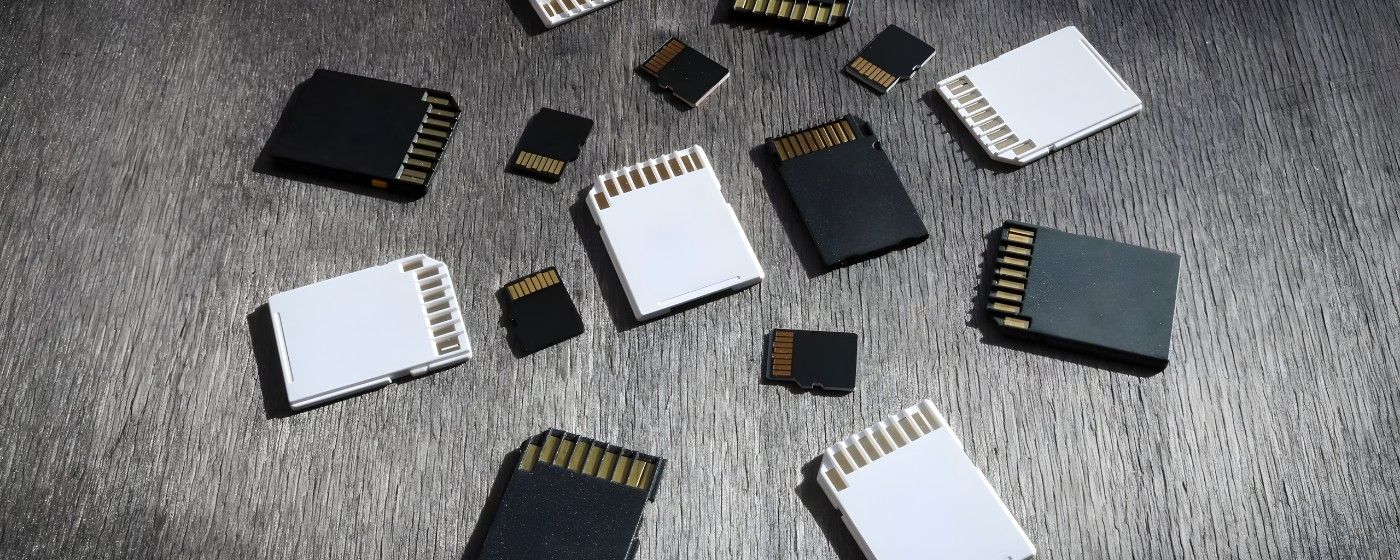
Have you ever wondered why there are so many SD card types, and which one is best for your device? You've come to the right place if SDHC, SDXC, UHS, or V30 are confusing terminology to you.
SD cards have proliferated over time, with each new iteration intended to enable speedier devices and higher-quality material. Understanding these distinctions becomes increasingly crucial as storage demands rise.
Many users also have formatting & compatibility issues, particularly when switching between devices. GUI Format is a tool frequently used to format SD cards for proper use.
This guide breaks down the major SD card types, their speed ratings, and the best use cases for each so that you can make an informed decision with no confusion.
1. SD (Standard Capacity)
Capacity: Up to 2GB
File System: FAT16
Older digital cameras & media devices still use the original SD card format, which is rarely used nowadays. The purpose of these cards was to store low-resolution films, music files, and small photographs.
Despite their limitations, they are still compatible with many older devices. Older embedded systems that are unable to read the more recent SDHC or SDXC formats frequently use them as well.
SD cards remain a dependable choice for simple, low-demand storage operations, despite being outdated for contemporary workflows.
2. SDHC (Secure Digital High Capacity)
Capacity: 4GB to 32GB
File System: FAT32
SDHC was developed to enable larger storage capacities and enhance performance for newly created digital gadgets. Because they deliver reliable performance for routine operations, these cards are commonly found in point-and-shoot cameras, dash cams, older smartphones, and media players.
They don't slow down when handling general file storage, smooth photo capture, and HD video recording. SDHC is still widely used in low-cost devices due to its affordability and compatibility, making it a sensible option for customers who don't need high-capacity storage.
3. SDXC (Secure Digital Extended Capacity)
Capacity: 64GB to 2TB
File System: exFAT
SDXC cards are ideal for 4K video, professional photography, drones, and various other modern devices due to their increased storage capacity and faster transfer speeds.
Most contemporary laptops, cameras, & cellphones support SDXC, which is now the industry standard for high-performance storage. These cards are designed to handle continuous data writing to prevent frame dropouts during high-resolution recording.
They are a reliable solution for designers who demand consistent performance in harsh settings due to their enhanced speed and endurance.
4. SDUC (Secure Digital Ultra Capacity)
Capacity: Up to 128TB
File System: exFAT
SDUC, the newest and most powerful SD card class, enables massive storage capacity designed for impending high-end workflows such as 8K/16K cinematography & large-scale data applications. These cards are still in their early stages and are rarely used.
Furthermore, SDUC offers higher potential speed, allowing devices to perform highly demanding tasks without bottlenecks. SDUC is expected to become an essential standard for artists and data-intensive users as more cameras and professional equipment emerge.
5. MicroSD, MicroSDHC & MicroSDXC
MicroSD cards are smaller versions of standard SD cards that are used in smartphones, tablets, action cameras, drones, portable consoles, and IoT devices.
- MicroSD: Up to 2GB
- MicroSDHC: 4GB–32GB
- MicroSDXC: 64GB–2TB
Despite their small size, microSD cards can provide the same performance as full-sized cards. Many current devices rely significantly on these cards since they provide high-speed data transfer in a small form factor. They're also commonly utilized for app storage, thanks to A1 and A2 ratings that increase app loading and multitasking efficiency.
Speed Classes Explained
Understanding SD card speed classes is critical, especially if you work with high-resolution video, burst photography, or programs that load quickly.
The speed classes determine how quickly data can be written to the card, which directly affects recording quality and overall device performance. Choosing the wrong speed class can result in missing frames, delayed transfers, or recording errors.
1. Speed Class
- C2, C4, C6, C10
- These are the minimum sustained write speeds, with C10 (10 MB/s) serving as the benchmark for smooth HD video recording. Basic functions such as storing images or transferring files can be completed on lower classes, but current devices often operate best with Class 10.
2. UHS Speed Class
- U1 (10MB/s), U3 (30MB/s)
- These ratings apply to newer UHS-enabled cards and devices. U3 is widely suggested for 4K video, quick photography, plus high-speed continuous shooting, all of which require consistent write performance.
3. Video Speed Class (V-Class)
- V6, V10, V30, V60, V90
- Video Speed Class offers the most dependable ratings for videographers. The V30 is appropriate for 4K video, while the V60 and V90 are capable of professional 6K and 8K video production. These classes guarantee consistent data writing throughout long recordings, avoiding dropped frames.
4. UHS Bus Interface
- UHS-I: Up to 104MB/s
- UHS-II: Up to 312MB/s
- UHS-III: Up to 624MB/s
- SD Express: Up to 4GB/s
The bus interface defines the card's maximum transmission speed. Higher interfaces, particularly UHS-II and SD Express, are ideal for users who work with huge files, batch uploads, or 4K/8K editing, as quicker read speeds save time.
Which SD Card Should You Choose?
Your device and your intended use will determine which SD card is best for you. Whether you're downloading files, loading apps, or capturing videos, seamless performance is ensured by matching the appropriate speed class and capacity.
- Smartphones & tablets: Choose MicroSDHC or MicroSDXC with A1/A2 ratings for smoother app performance and faster loading.
- Action cameras & drones: Go for MicroSDXC U3 or V30+ to prevent frame drops and ensure stable 4K recording.
- DSLRs & mirrorless cameras: Use SDXC U3 / V60–V90 for continuous shooting, RAW images, and high-resolution video.
- Raspberry Pi & mini PCs: Pick MicroSDXC A1 or A2 cards for faster system responsiveness and better I/O handling.
- Older devices: Stick to SDHC Class 10, as higher-capacity cards may not be fully compatible.
Final Thoughts
SD cards continue to evolve, providing customers with greater speed, capacity, and flexibility than ever before. Understanding these categories allows you to avoid purchasing the wrong card & ensures your device functions optimally.
Proper selection can help you avoid data bottlenecks, skipped frames, and distorted recordings. As technology advances, selecting the appropriate SD card will remain critical for smooth workflows and dependable storage.
Taking a moment to compare choices now can save you a lot of trouble later. Finally, the correct SD card is the foundation of a reliable and efficient digital experience.
About the Author:
I'm Wilford Conrad, a tech writer who likes to explain storage technologies in an easy-to-understand manner. To help readers make the best decisions without misunderstanding, I cover topics such as SD cards, formatting tools, and device performance.
I test devices and research new tech trends while I'm not writing. I'm constantly searching for methods and resources that make technology more accessible to all.
Ref:
Lexar-Dev. (2025, July 23). SD cards: types, uses, and device compatibility. Lexar. https://americas.lexar.com/guide-to-sd-cards/